
Default Image
4, Apr 2026
Cinematic Results: Automating Motion and Sound

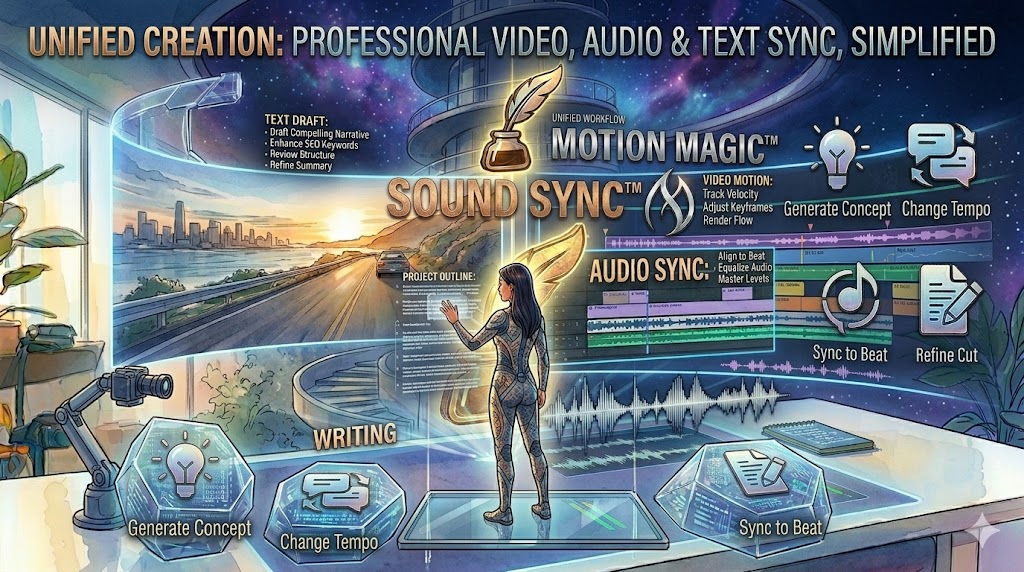
Introduction: Video is the most engaging form of content, but it’s often the hardest to make. Canva Magic Studio takes the stress out of video production. Magic Animate: One click applies smooth, professional transitions and animations to your entire design, making it look like it was edited by a pro.…
Default Image
4, Apr 2026
Beat Writer’s Block with Magic Write™

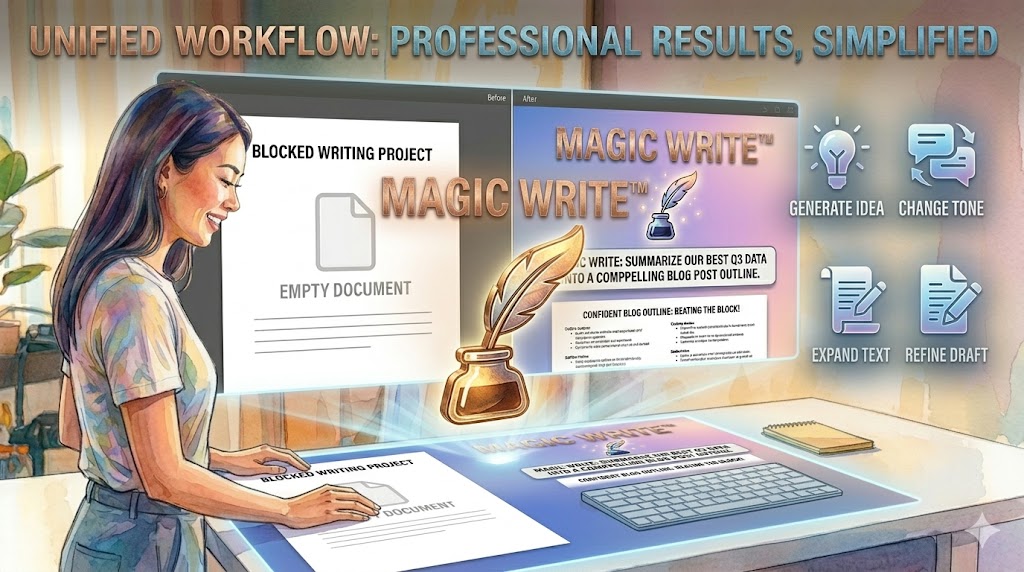
Introduction: Content creation is more than just visuals; it’s about the message. Magic Write is your personal AI assistant tucked inside every Canva document. Instant Drafting: Need a caption for a travel post or an outline for a business proposal? Magic Write generates text based on your prompt in seconds.…

Default Image
4, Apr 2026
Pro-Level Photo Editing Without the Learning Curve

Introduction: You no longer need to master complex software to edit photos like a pro. Canva’s AI-powered editing tools make the “impossible” possible with a single click. Magic Eraser: Clean up your shots by removing photobombers or distracting background objects instantly. Magic Eraser lets you cleanly remove unwanted objects or…

Default Image
4, Apr 2026
Text-to-Image Magic: Bringing Your Imagination to Life

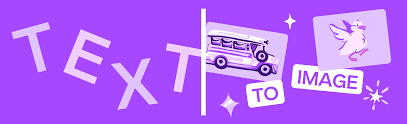
Introduction: Visualizing a concept used to require a photographer or an illustrator. Now, it only requires your words. With Magic Media and Dream Lab, Canva is redefining how we source imagery. Magic Media™: Simply type a description—like “A futuristic city in the style of oil painting”—and watch the AI generate…

Default Image
4, Apr 2026
Transform Your Workflow with Magic Design and Magic Switch

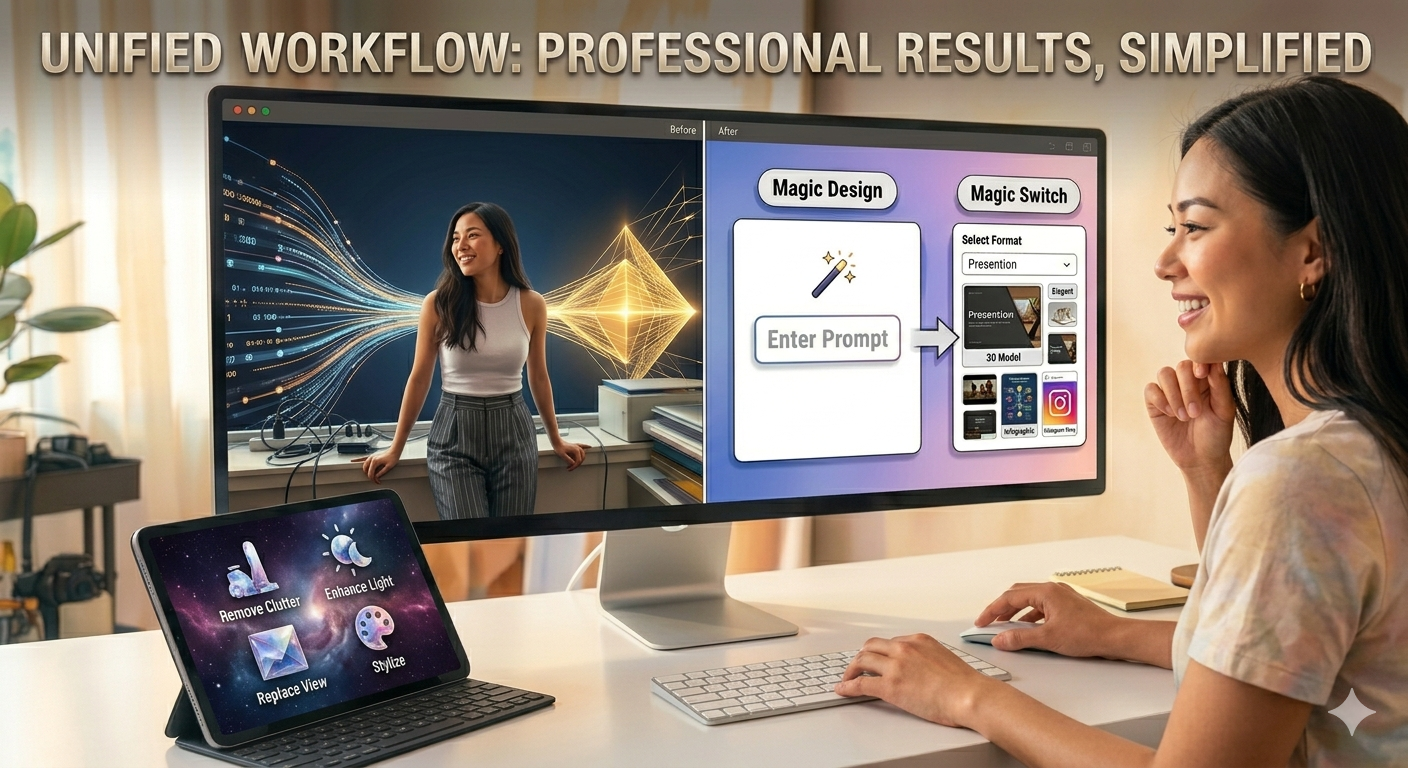
 Introduction: In the fast-paced world of digital marketing, speed is everything. Canva Magic Studio’s flagship design tools are built to help you move from a blank canvas to a finished product in seconds. Magic Design™: No more staring at a blank screen. Input a prompt like “An Instagram ad for…